
DIY vs Agency vs AI: Which Website Redesign Path Makes Sense for Solo Attorneys?
Website redesign for attorneys comes down to three paths – each with different costs, timelines, and trade-offs. Here’s a no-BS comparison.
You know your website needs work. You Googled “law firm website redesign” and found three options:
- DIY – Squarespace, Wix, or WordPress ($200-500/year)
- Agency – Hire a web design firm ($15K-$30K)
- AI-powered – New tools that generate custom sites ($997 redesign option-$1,497)
Each works. Each has trade-offs. None are “best” for everyone.
Here’s how to pick the right one based on your practice size, budget, and how much you value your time.
Option 1: DIY with Squarespace or WordPress

What You Get
- Template-based design
- Drag-and-drop editor
- Basic hosting included
- Mobile responsive (if you pick the right template)
What It Costs
- Squarespace Business: $23/month ($276/year)
- Wix Business: $27/month ($324/year)
- WordPress.com Business: $25/month ($300/year)
- Self-hosted WordPress: $100-300/year (hosting + theme + plugins)
Time Investment
First build: 40-80 hours
– Learning the platform: 10-15 hours
– Choosing a template: 2-3 hours
– Customizing design: 15-25 hours
– Writing/formatting content: 10-20 hours
– SEO setup: 5-10 hours
– Testing across devices: 3-5 hours
Ongoing maintenance: 2-4 hours/month (updates, backups, fixes)
What You DON’T Get
- Professional copywriting (you write everything yourself)
- Custom design (you’re stuck with template limitations)
- Schema markup for lawyers (critical for Google rankings)
- Speed optimization (DIY sites average 4-6 second load times)
- Design expertise (your site looks like you built it yourself)
When DIY Makes Sense
You should go DIY if:
– You’re just starting out (under 6 months in practice)
– Your market has zero online competition
– You get 100% of cases from referrals
– You genuinely enjoy building websites (most attorneys don’t)
– Your time is worth under $50/hour
You should NOT go DIY if:
– You bill $200+/hour (you’d make more money working those 80 hours)
– You’re in a competitive market (personal injury, family law, estate planning)
– You get leads from Google (SEO matters for you)
– You tried it before and gave up halfway through
Real Talk: DIY Success Rate
Of attorneys who start building their own site, 60% never finish. The site sits half-done for 8 months. They eventually hire someone to fix it, paying twice what they would have paid upfront.
The ones who do finish? Their sites work, but look homemade. Which is fine if you’re doing estate planning in a small town. Not fine if you’re competing for $50K personal injury cases in Phoenix.
Option 2: Hire a Web Design Agency
What You Get
- Custom design tailored to your firm
- Professional copywriting
- Photography (sometimes included, sometimes extra)
- SEO optimization
- Ongoing support and maintenance
What It Costs
Small firm (5-10 pages):
– Design + development: $12,000 – $18,000
– Copywriting: $2,000 – $5,000
– Photography: $1,000 – $3,000
– SEO setup: $2,000 – $4,000
– Total: $17,000 – $30,000
Mid-size firm (15-30 pages):
– Design + development: $25,000 – $40,000
– Copywriting: $5,000 – $10,000
– Photography: $2,000 – $5,000
– SEO: $5,000 – $8,000
– Total: $37,000 – $63,000
Ongoing costs:
– Hosting: $50-200/month
– Maintenance: $150-500/month
– Updates: $100-300/hour
Time Investment
Your time:
– Initial strategy call: 1-2 hours
– Content gathering: 5-10 hours
– Review and feedback: 8-12 hours over 2-3 months
– Total: 14-24 hours of your time
Timeline: 2-4 months from kickoff to launch
What You DON’T Get (Usually)
- Ownership confusion (read contracts carefully)
- Speed (agencies take forever because they’re juggling 10 clients)
- Efficiency (you’re paying for their overhead, not just the work)
When Agency Makes Sense
You should hire an agency if:
– You’re a mid-size firm (5+ attorneys) with complex needs
– You need custom integrations (case management, intake software)
– Brand identity matters more than speed
– You have $30K+ budget and 3-4 months to wait
– You want white-glove service with dedicated project manager
You should NOT hire an agency if:
– You’re a solo practitioner (you’re overpaying for features you don’t need)
– You need the site done in under 6 weeks
– Your current site is functional but outdated (agencies rebuild from scratch)
– You don’t have 15 hours for calls, revisions, and back-and-forth
Real Talk: Agency Horror Stories
- Timeline creep: “2 months” becomes 5 months because the designer got busy
- Revision limits: Contract includes 2 rounds, each extra round costs $1,500
- Hidden costs: Stock photos, premium plugins, SSL certificates all cost extra
- Maintenance trap: You’re locked into $300/month maintenance or they won’t touch your site
Good agencies exist. But hiring one as a solo attorney is like hiring a corporate law firm to draft your will. You’re paying for expertise you don’t need.
Option 3: AI-Powered Website Redesign
What You Get
- Custom design based on your existing content
- Mobile-responsive and fast-loading
- SEO-optimized (schema markup, meta tags, page speed)
- Modern aesthetic that doesn’t look template-based
- Your content formatted professionally
What It Costs
- Mockup generation: $49 (see 3-5 design options)
- Full website package: $948 (complete files + deployment)
- Total: $997
No monthly fees. No ongoing maintenance contracts. You own everything.
Proof From The Field
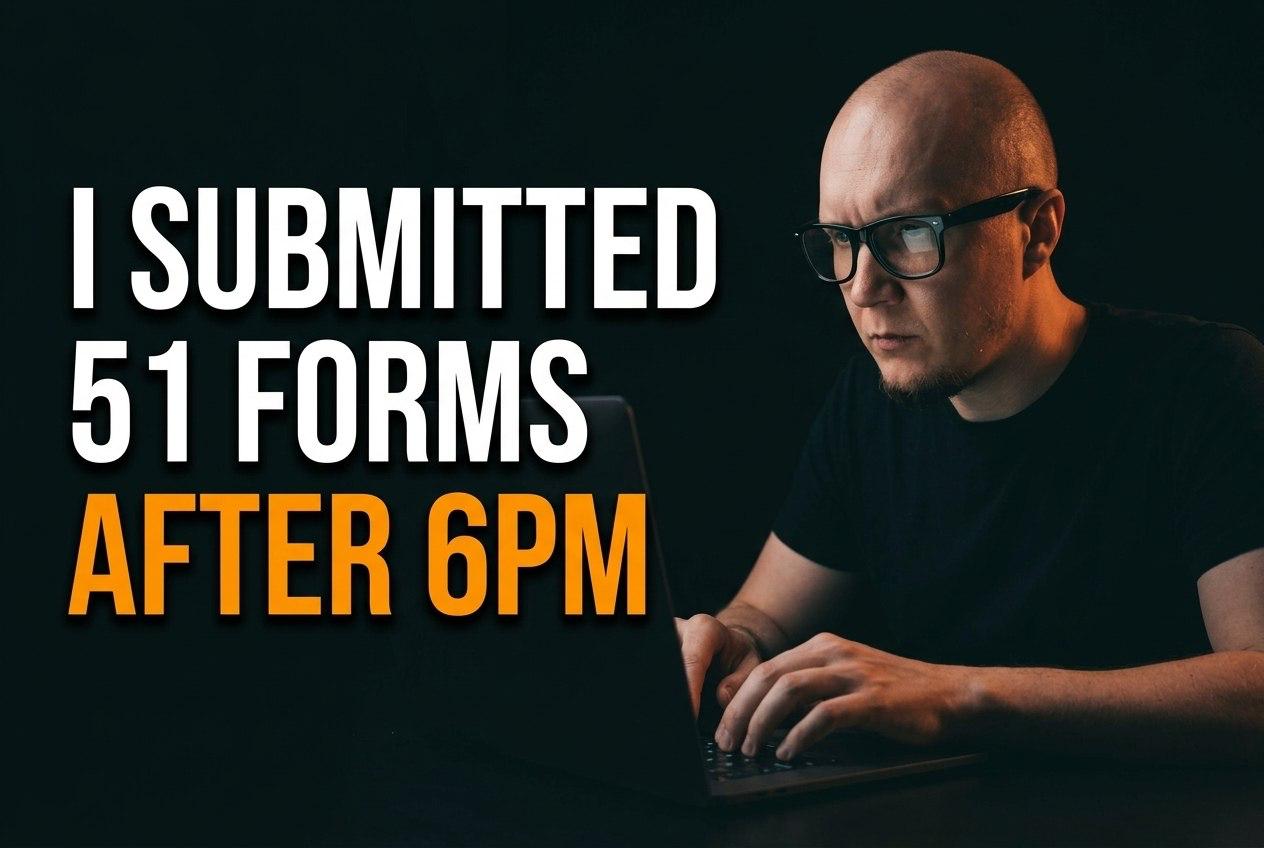
Real test: 92% of law firms never called back
We submitted forms to 51 PI firms after 6 PM. See who responded and who lost the lead.
Revenue Leak
Calculate What You're Losing
Missed calls = missed revenue. Run the math right here.
Estimated annual revenue lost
$7,500,000
6 missed calls/day × $5,000 avg case × 250 work days
Plans from $249/mo. 30-day free trial. No setup fee.
Time Investment
Your time:
– Input your current site URL: 2 minutes
– Review mockups: 15 minutes
– Pick your favorite: 1 minute
– Total: under 30 minutes
Timeline: 48 hours from payment to live site
What You DON’T Get
- Brand new copywriting (it uses your existing content, just formatted better)
- Custom photography (use your own or stock images)
- Backend integrations (payment processing, case management software)
- Human hand-holding (it’s self-service)
When AI Makes Sense
You should use AI if:
– You’re a solo attorney or small firm (2-5 lawyers)
– Your existing content is decent (just needs better design)
– You need results in days, not months
– Your budget is under $5,000
– You don’t need custom features (just a modern, working website)
You should NOT use AI if:
– You’re starting from scratch with no existing content
– You need complex custom features
– You want professional copywriting from a human
– You need 20+ attorney bios and practice area pages
Real Talk: AI Limitations
AI tools are new (2024-2025). They’re not perfect. They can’t:
– Replace bad content with great content (garbage in, garbage out)
– Make strategic decisions about your brand
– Write persuasive copy from scratch
– Design complex custom features
But if you already have solid content and just need modern design + SEO optimization? AI tools deliver 80% of what an agency would give you, in 5% of the time, at 3% of the cost.
Website Redesign for Attorneys: Decision Framework
If you answered YES to 3+ of these, go DIY:
- [ ] I’m in my first year of practice
- [ ] I have 60+ hours to spend on this
- [ ] My time is worth under $100/hour
- [ ] I enjoy website design
- [ ] I don’t compete for clients online
- [ ] My market has low competition
If you answered YES to 3+ of these, hire an agency:
- [ ] I have $25K+ budget
- [ ] I’m a multi-attorney firm (5+ lawyers)
- [ ] I need custom integrations
- [ ] I can wait 3-4 months
- [ ] I want a dedicated project manager
- [ ] Brand identity is critical to my firm
If you answered YES to 3+ of these, use AI:
- [ ] I need results in under 2 weeks
- [ ] My budget is under $5,000
- [ ] I’m a solo attorney or small firm
- [ ] My existing content is decent
- [ ] I don’t need custom features
- [ ] I value speed and efficiency
The Hidden Cost Nobody Talks About: Delay
According to the Clio Legal Trends Report, while you’re debating DIY vs agency vs AI, your competitors are capturing leads your website is losing.
Every month you delay is:
– 10-20 lost leads (conservatively)
– 2-4 lost cases
– $10,000 – $30,000 in lost revenue
If hiring an agency means waiting 4 months, that’s $40K-$120K in lost opportunity cost.
If doing DIY means your site sits half-finished for 6 months, that’s $60K-$180K gone.
Speed has value. The faster you fix the problem, the sooner you stop bleeding revenue.
The Website Redesign Math for Solo Attorneys
The ABA Legal Technology Survey, you bill $300/hour. You need a new website.
Option 1: DIY (80 hours)
– Cost: $300/year
– Your time: 80 hours × $300 = $24,000
– Total: $24,300
Option 2: Agency ($20,000)
– Cost: $20,000
– Your time: 15 hours × $300 = $4,500
– 3-month delay cost: $40,000 (lost cases while waiting)
– Total: $64,500
Option 3: AI ($997)
– Cost: $997
– Your time: 0.5 hours × $300 = $150
– No delay cost (live in 48 hours)
– Total: $1,147
If those numbers are anywhere close to accurate for your practice, the decision is obvious.
Bottom Line
- DIY makes sense if you’re brand new or have unlimited time
- Agency makes sense if you’re a larger firm with custom needs
- AI makes sense for solo attorneys who need modern design fast
Don’t overthink it. Your website is either making you money or losing you money. Pick the option that gets you to “making money” fastest.
Ready to see what AI can do? Try our redesign tool. Input your URL, get 3 mockups in 5 minutes. If you don’t like them, you paid nothing.
No 80-hour time sink. No $20K agency bills. No 4-month wait.
About the Author: Evgenii Zhenin is the founder of 2bizy, an AI-powered business automation platform that helps law firms modernize their digital presence. Learn more at 2bizy.com.